A remote control for your agents
Restate Team
Most agentic stacks have observability built in. Tools like OpenAI tracing and LangFuse show you what an agent did, which tools it used, and how long things took.
But these tools are only to observe. You can see that some agent execution is stuck, but you can't cancel it. You can’t restart a research agent from an intermediate step, when it failed after three hours of work. When your database is down for maintenance, you can’t pause your agent executions to avoid pointless retries. When your user sends a new message to your agent, you can’t abort the ongoing generation.
Restate gives you a remote control for your agents. Every execution becomes a persistent, addressable process you can cancel, pause, restart, or resume. Either programmatically, from the UI, or via the CLI.
How it works
Restate is a lightweight durable execution engine that sits between your API client and your code. Every incoming request gets proxied through Restate. While the agent executes, each step it does is persisted in a journal. That journal gets used to retry and recover the agent after failures.
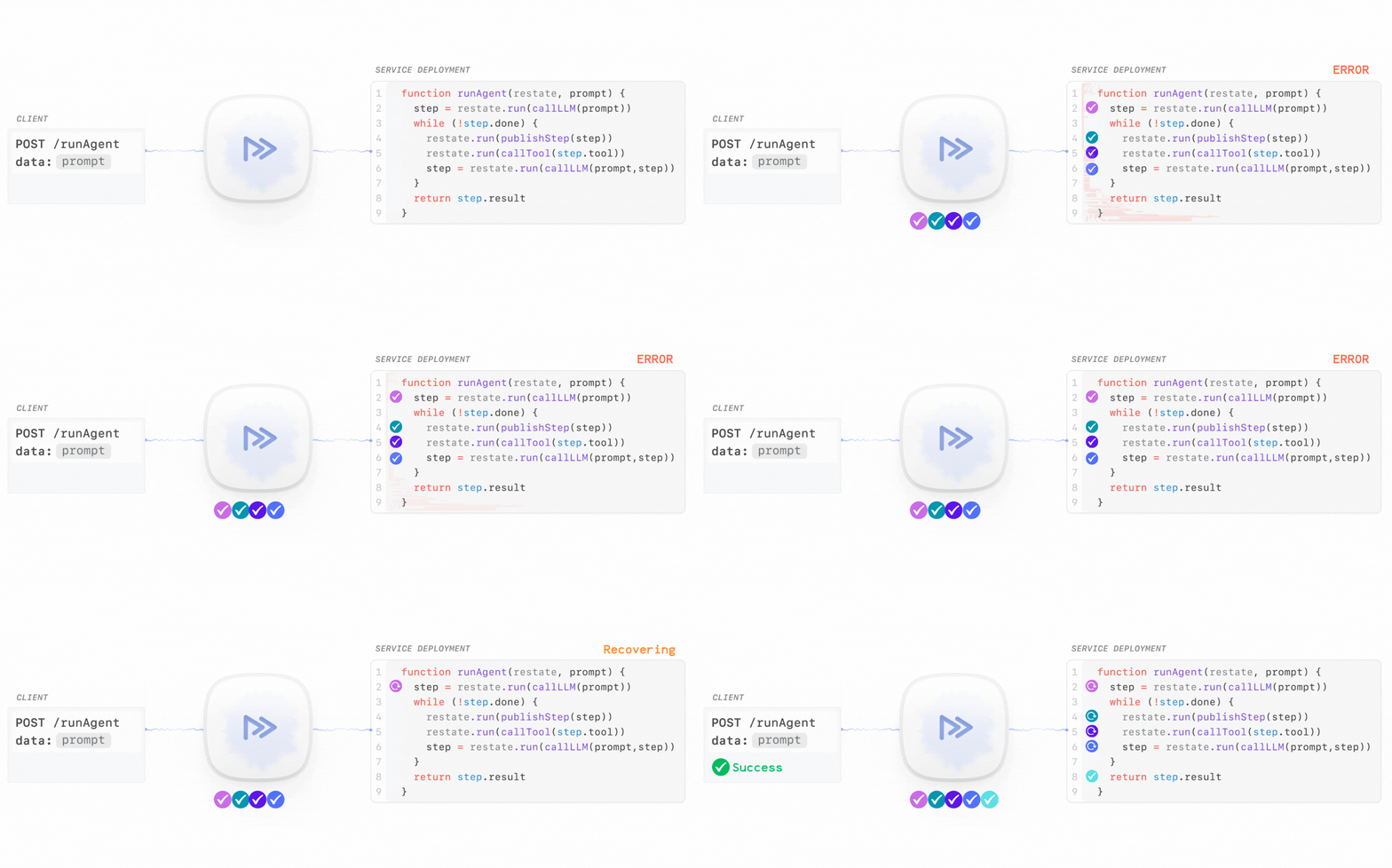
Each request gets a unique invocation ID that becomes your handle to that invocation. This ID stays valid across retries, crashes, redeploys, and time. You can use it to cancel, kill, or restart the execution, either from the UI or programmatically via HTTP.
The recent Restate 1.6 release expands these capabilities with manual pause/resume and the ability to restart invocations from a specific point or on a different deployment.
Let's look at some real-world scenarios where these actions are useful.
Cancelling invocations
Cancellation is useful when invocations become stuck or irrelevant. When you cancel an invocation, Restate sends a cancellation signal to your code that surfaces as an exception that you can catch to run compensation logic and clean up.
Example 1: Cancel agents stuck on a dead endpoint
Imagine another team decommissioned an endpoint without notifying you, and now you have hundreds of agents endlessly retrying a tool that calls this endpoint. In the Restate UI, you can filter for stuck invocations, inspect their state, and cancel them:
If you implemented saga-style compensations, then the invocation will roll back any work it did before gracefully terminating.
Example 2: Abort agent on new chat message
Cancellation also works as a building block in your application logic. When a user sends a new message to your agent, you probably want to abort the current generation and start fresh with the new context:
async function message(restate: ObjectContext, message: Message) {
  // (1) Interrupt ongoing workflow
  const ongoingTaskId= await restate.get("currentTaskId");
  if (ongoingTaskId) {
      // Sends cancellation signal; agent can clean up in-progress work
      restate.cancel(ongoingTaskId)
  }

  // (2) Start executing the new task
  const handle = restate.serviceSendClient(agent).runTask({ message });

  // (3) Store handle to task
  restate.set("currentTaskId", await handle.invocationId);
}
The agent receives the cancellation signal, stops generating, and can save partial work or clean up resources before exiting.
Pausing invocations
When you cancel an execution, it enters a final failed state. Sometimes you don't want that. You just want to stop execution temporarily while you fix something, then let it continue. For this scenario, you can use pause.
Pausing is useful when execution is stuck in a transient retry loop and you need time to investigate without wasting resources or overloading downstream systems.
Example 1: Pause workflows with parsing bug, deploy a fix, resume
Imagine you have a workflow that processes newly uploaded documents. Some of them are failing because of a parsing bug. Rather than letting them pointlessly retry and consume resources, you pause them, deploy a fix, and resume:
The paused workflows pick up right where they left off. They don't re-do completed work, but just retry the parsing with your fixed code.
Example 2: Pause during database maintenance
This can also be useful to avoid retry loops during planned maintenance, by pausing all the invocations for the agent using it:
# Pause all invocations for a service
restate invocations pause CustomerSupportAgent

# ... do the Customer DB maintenance ...

# Resume all paused invocations
restate invocations resume CustomerSupportAgent
Invocations pause wherever they are, wait for you to finish, then resume exactly where they stopped.
Restarting invocations
Pause only works for ongoing invocations. It doesn’t cover invocations that already succeeded or failed. Restate lets you restart these invocations. By default, restart ignores any previous progress and starts from a clean slate. But you can also restart from a specific step, preserving expensive work while re-executing only the remaining steps.
Example 1: Restart a human approval workflow, preserving expensive work
For example, an insurance claim agent parses claim documents, asks three human reviewers for approval, and then calculates and issues the reimbursement. A claim made it through all three reviewers but failed during the reimbursement calculation because of a bug in the currency conversion.
You don't want to restart the whole workflow, because the agent and those three reviewers already spent time on this claim. You want to restart it from the currency conversion step on the newly deployed fix.
In the Restate UI, you can view the execution journal to see every step that completed:
You select the step just before currency conversion and restart from there. The work the agent did and the three reviewer approvals are preserved, and the claim processes to completion with the fixed code.
This works because Restate stores the journal of every completed step. When you restart from a specific journal entry, Restate replays the journal up to that point (without actually executing those steps), then resumes execution with your new code.
Example 2: Regenerate agent responses
Restart can also be useful as part of your application logic. You want to add a “Regenerate” button to your chat UI so users can generate a new response when they’re not happy. Each click calls Restate's restart-as-new API:
async function onRegenerateClick(previousInvocationId: string) {
  const { invocationId } = await fetch(
    `https://restate:9070/invocations/${previousInvocationId}/restart-as-new`,
    { method: "PATCH" }
  )
  return { invocationId }
}
Once the invocation has completed, the user gets a new generation for the same prompt.
Start building
Restate is a lightweight durable execution runtime that turns your agent executions into persistent, controllable processes you can inspect and manipulate.
It acts as an advanced orchestrator that makes sure each invocation runs to completion and lets you manage it across failures, processes, and time. Learn more by visiting the documentation.
The fastest way to get started is with Restate Cloud. Try it for free and have a managed instance running in minutes. Or follow the quickstart guide to run Restate locally.
Restate is open, free, and available at GitHub. Star the project if you like what we're doing and join our community on Discord or Slack.
Keep reading
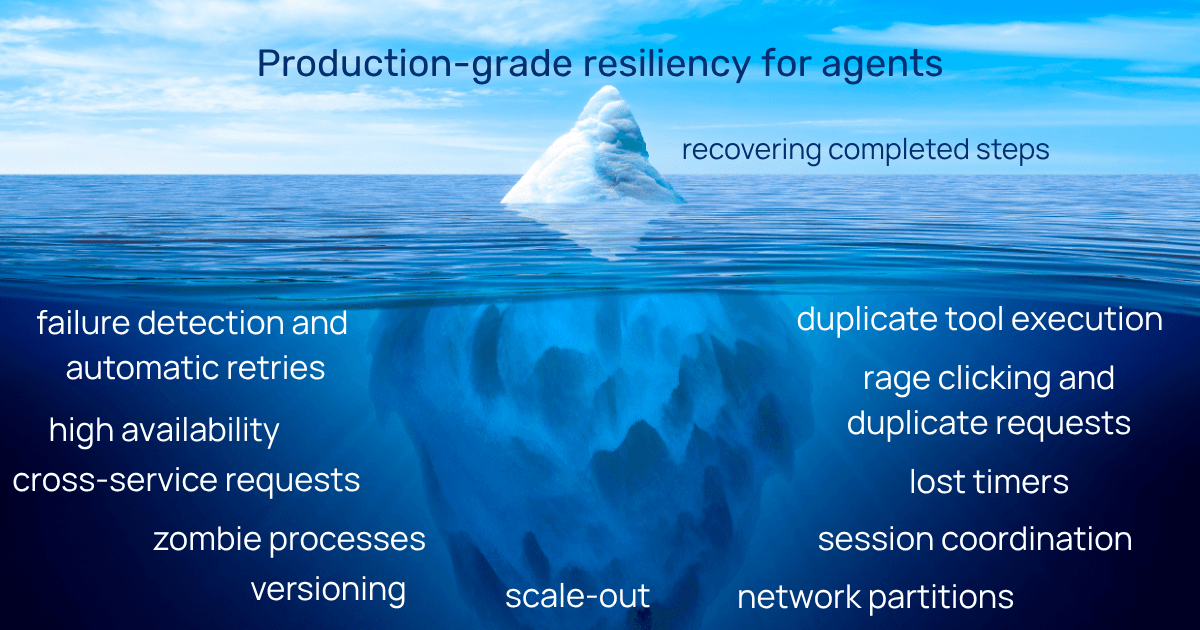
Agent checkpointing is far from production-grade resiliency
Checkpointing helps with recovery, but agents are distributed applications and making them durable requires more than that.
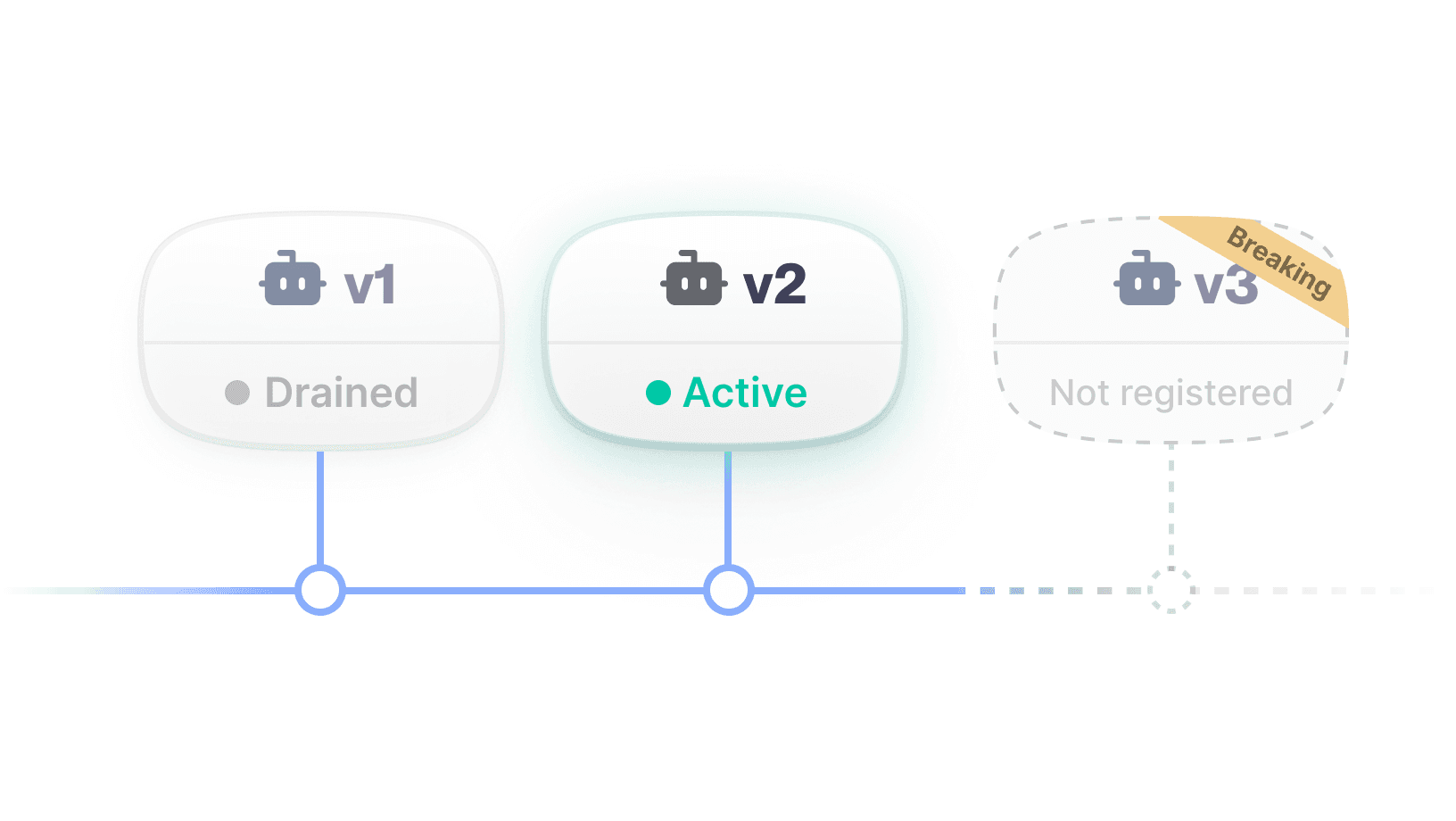
Updating AI Agents safely in production
How to safely update long-running AI agents with immutable deployments and pinned executions.
🎵 Every step you take, every call you make - Restate’s fresh take on distributed apps observability
Find out how the UI helps you with developing and debugging your distributed apps.